Lumyn blog
Notes on models and making media.
Product notes, model guides, and how-tos for generating with Lumyn.
-
When to use spicy AI models on Lumyn
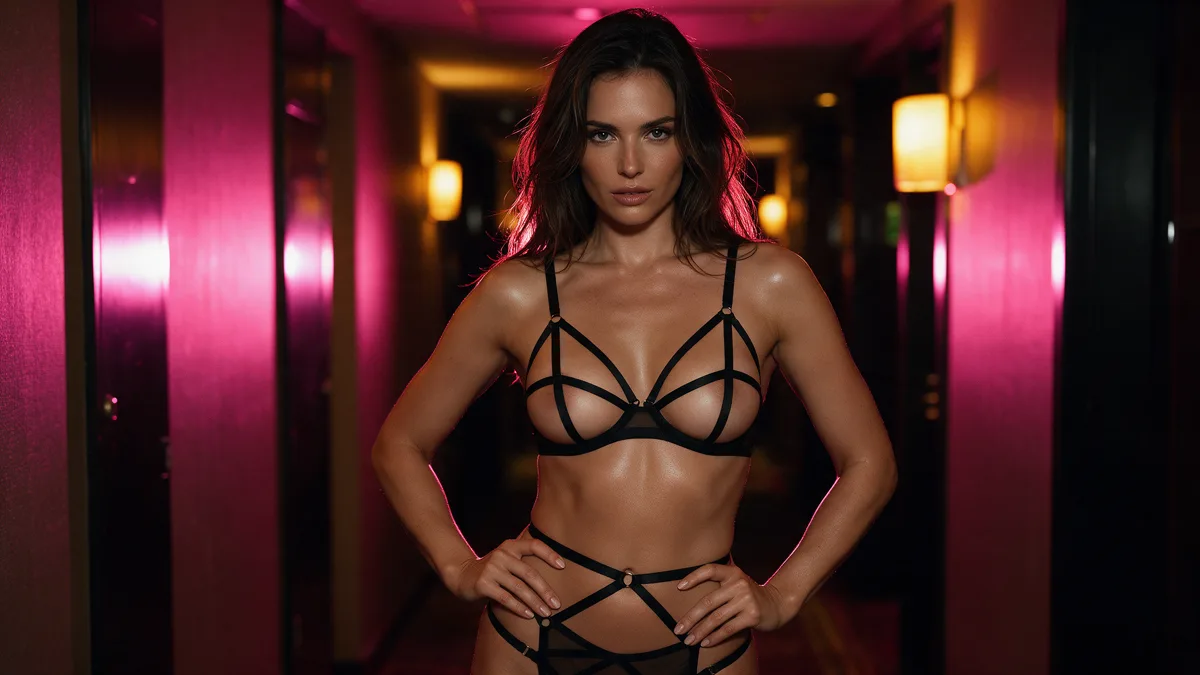
Chili-marked models (Seedream 5.0 Pro, Lumyn house image and motion) vs standard rows. When adult work needs the allowlist, and when a normal model is enough.
-
Voice + lip sync: make a face match the audio
Build or pick audio first, lock a face still, then run lip sync so the mouth follows the track. Skip lip sync for silent motion.
-
Turn a still into short AI video (adults OK)
Lock an adult still first, then run image-to-video with one clear motion. Keep early clips short so face drift is cheap to fix.

-
Does Lumyn keep my generations? Privacy basics
What Lumyn stores after a run: generated outputs and prompts while your account is active, reference uploads deleted after delivery, account deletion when you leave.

-
Explore templates on Lumyn: pick a look, then run it
Explore is the gallery of finished looks and one-job templates. Browse shelves, open a /t/ page, or jump into Studio when you want every control.

-
How Lumyn coins and pricing work
Coins pay for every Lumyn model from one balance. Plans renew an allowance; packs top up. Each model shows its price before you run it.

-
Keep the same face across adult AI stills
Lock a consistent adult face with a clear reference image, short prompts, and small iterations. Skip ambiguous age refs entirely.

-
Boudoir soft-light adult AI prompt formulas
Soft window light, lace, and sheets: prompt formulas for boudoir adult stills without rewriting your whole photo brief every time.

-
Best uncensored AI models on Lumyn
Which Lumyn models carry the chili for adult stills, edits, and video. Seedream 5.0 Pro plus the Lumyn house image and motion family, with live prices on Models.

-
AI voice clone for lip sync on Lumyn
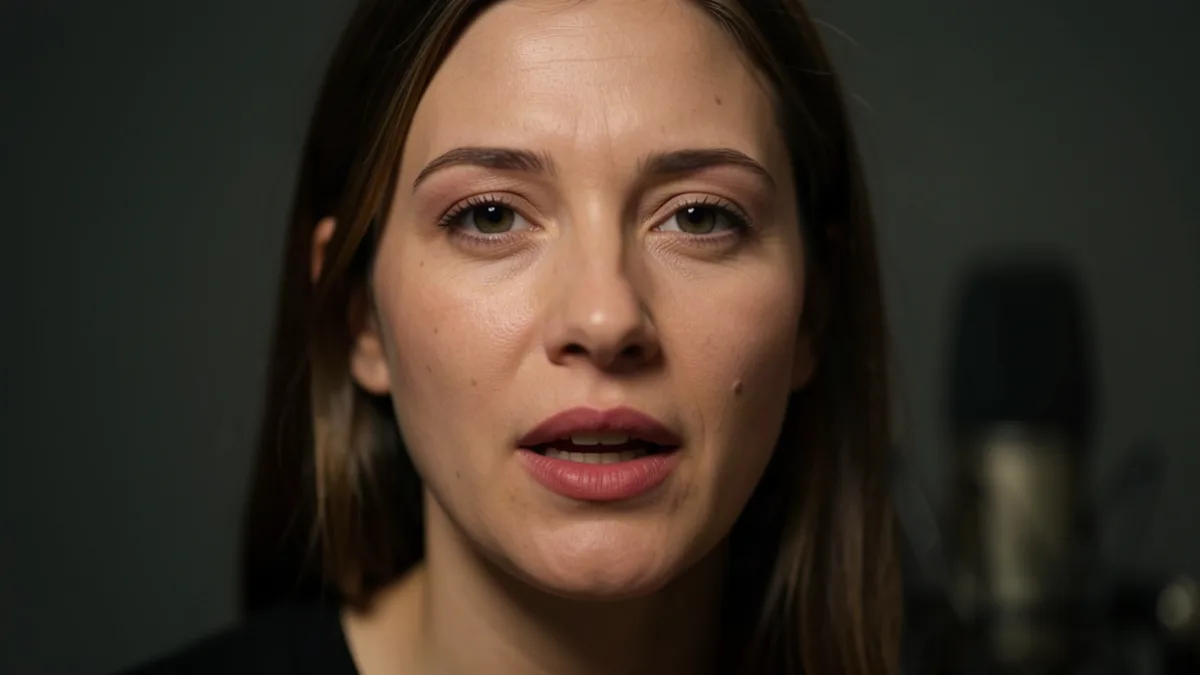
Clone or generate a voice first, lock an adult face still, then run lip sync so the mouth follows the track. Coins and order of ops.
-
Edit an adult AI still: wardrobe and scene without regenerating
Use Lumyn image edit when the face and framing are keepers. Change clothes, light, or background in one pass instead of burning coins on a full re-roll.

-
Adult AI video prompts that stay readable
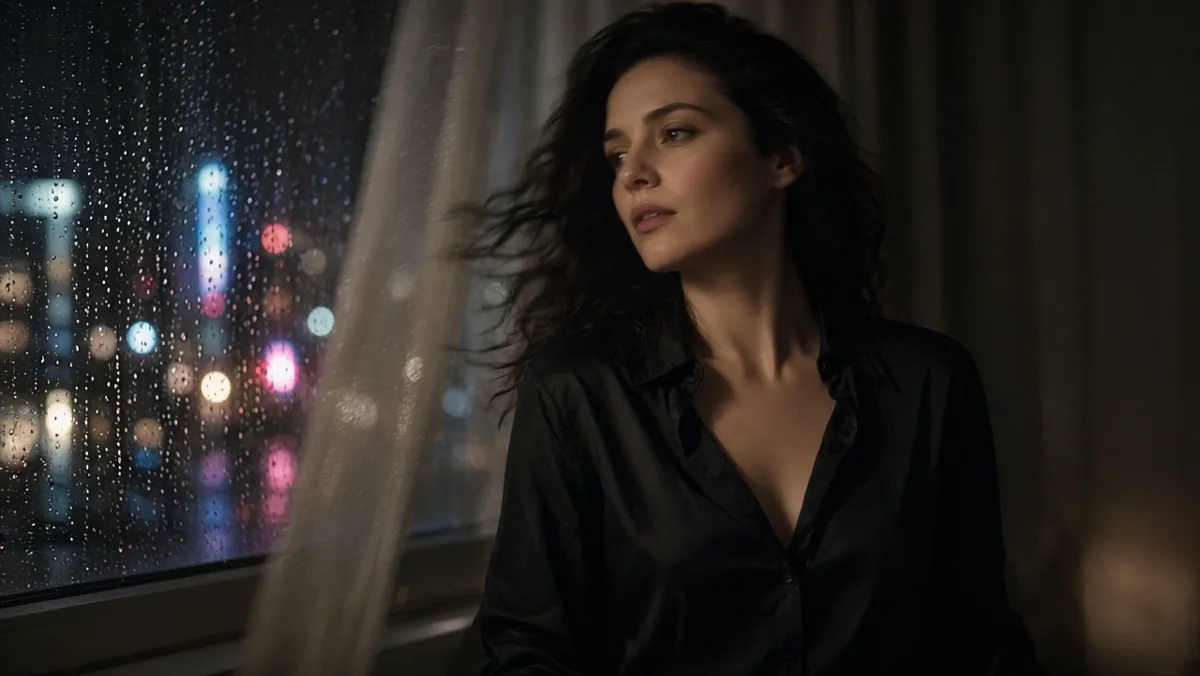
Write motion prompts like a shot list: one body action, one camera move, adults only. Companion craft to still→video on Lumyn.
-
Adult AI still-to-video pipeline for one character
End-to-end still → optional edit → short video for one adult character. When to lock the ref, how long to shoot, and what to do when the face drifts.

-
What Lumyn is
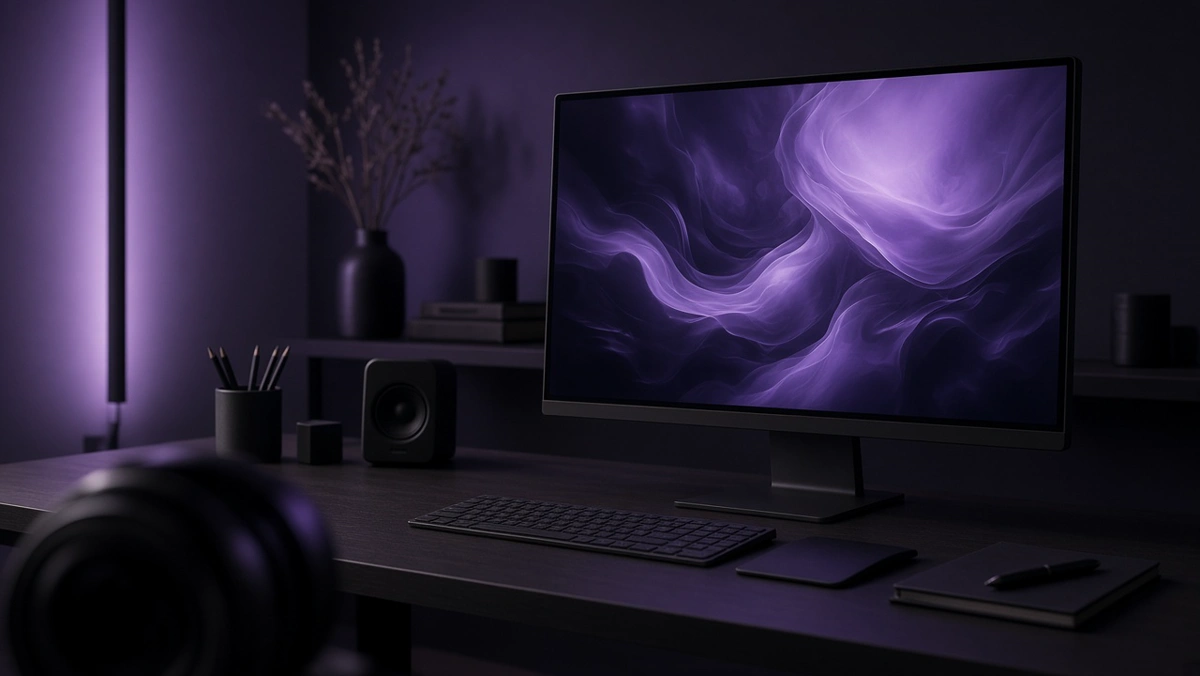
Lumyn is a web app for AI image, video, and voice. Uncensored models are available when you want them; the rest of the product stays a normal studio.
-
How uncensored AI image models differ from censored ones
Censored tools refuse adult prompts or soften them. Uncensored models run the same request with fewer refusals, for consenting adults only.

-
Prompt tips for realistic adult AI stills
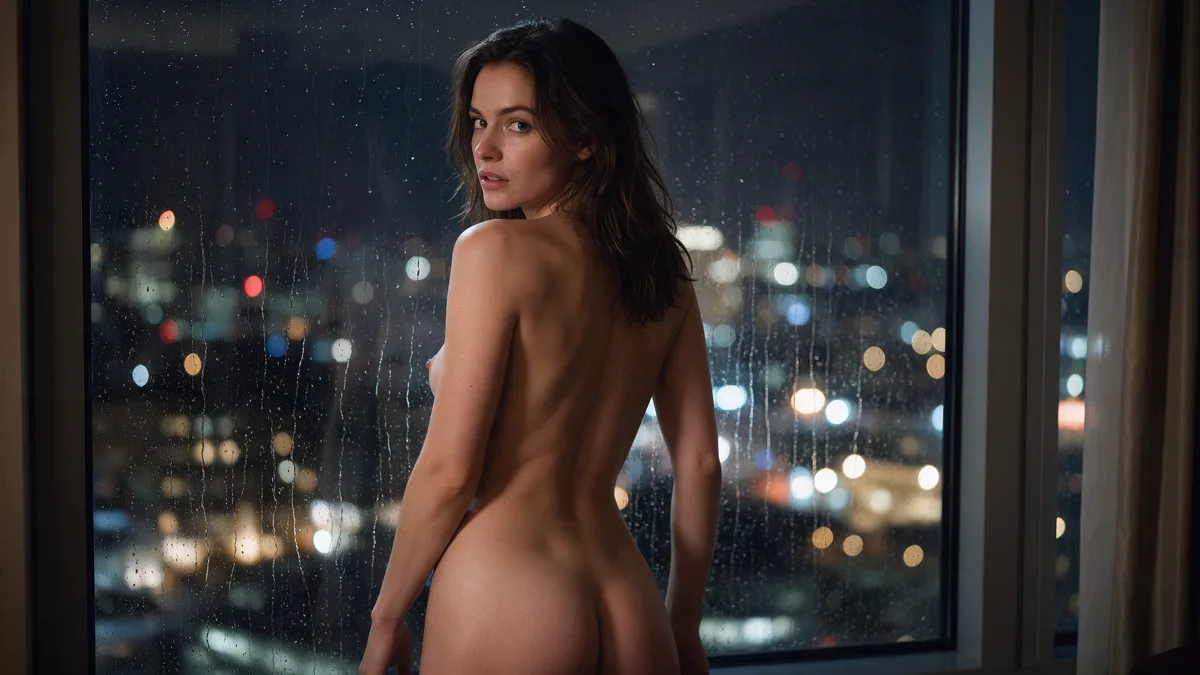
Write adult image prompts that read like a photo brief: clear adults, one scene, concrete lighting and camera, then iterate.
-
Image vs video vs lip sync: which Lumyn tool when
Use image for a single frame, video when motion matters, and lip sync when a face needs to match a voice. Start with the cheapest medium that answers the brief.