
Turn a still into short AI video (adults OK)
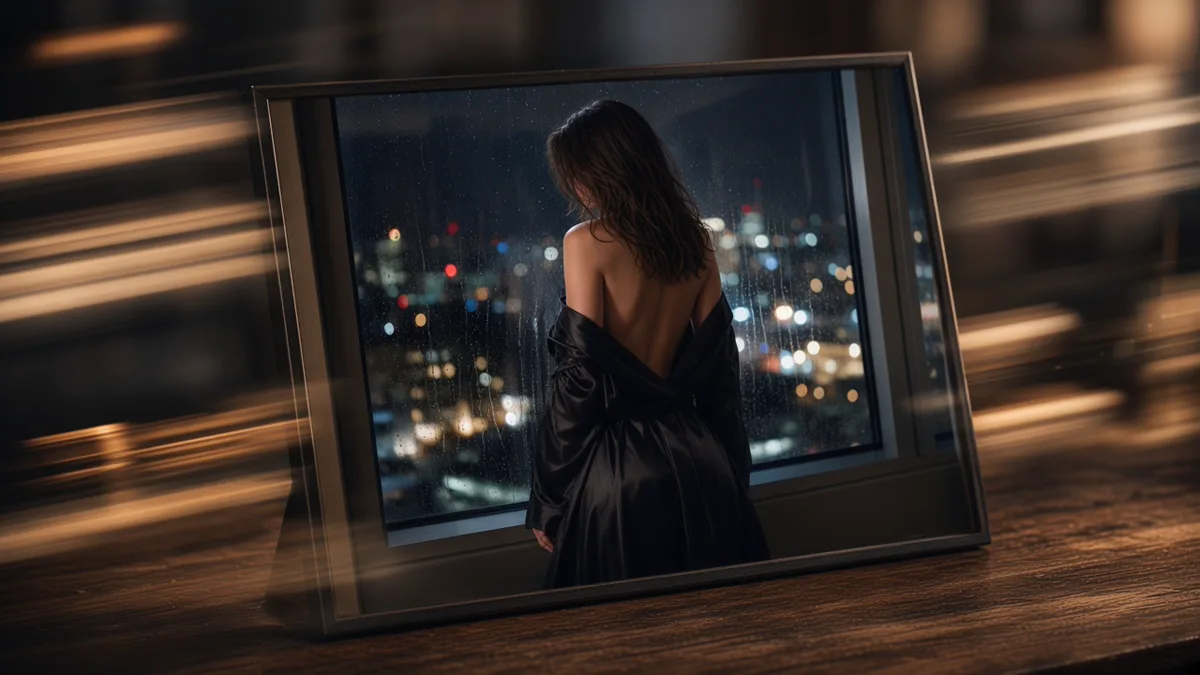
The reliable path from NSFW still to short AI video is: lock a frame of consenting adults you already like, pick an image-to-video model, describe one motion and one camera move, keep the first clip short. That wastes fewer coins than gambling on a long text-to-video take.
Adults only. Do not generate or request anything involving minors.
Why the still comes first
A still fixes face, wardrobe, and room before motion can scramble them. Text-to-video is fine when the motion is the idea. When you care about the same person across frames, start from a keeper still.
On Lumyn, generate or edit the still in Studio, then open an image-to-video model with that frame as the start. Check the coin price before you run. End-to-end for one character (still → optional edit → short clip): Adult AI still-to-video pipeline. For still craft, see Prompt tips for realistic adult AI stills. For when video is even the right medium, see Image vs video vs lip sync.
Motion prompts that stay debuggable
Say what moves:
> She turns toward the window; camera stays waist-up; soft daylight
Not:
> ultra cinematic sexy masterpiece, dynamic motion, perfect anatomy
One body action and one camera move is enough for a first pass. Clothing and intimacy stay as direct as in still prompts. Longer motion-prompt craft: Adult AI video prompts that stay readable.
When the face drifts
1. Re-check the base still (sharp face, clear adult subject). 2. Shorten the motion prompt. 3. Reduce how ambitious the camera move is. 4. If identity still slips, improve the still or use a stronger reference workflow from Keep the same face across adult AI stills before animating again.
Budget and model choice
Coins are one balance across media. Draft short; extend keepers. Prefer models that already allow adult output rather than stuffing "NSFW" into the prompt. Category context: How uncensored AI image models differ from censored ones. Pricing habits: How Lumyn coins and pricing work.
If the next step is spoken lines, build voice and lip sync after the silent clip path; see Voice + lip sync: make a face match the audio.
Browse Explore at app.lumynvideo.com, then run the workflow in Studio.
Related
FAQ
- Should I start from text or a locked still?
- For a consistent face and body, lock a still you like, then run image-to-video. Use text-to-video when the motion idea matters more than a specific person.
- How long should the first clip be?
- Keep it short while you learn the model. Long generates cost more and hide what went wrong.
- Why does the face drift?
- Usually a weak or inconsistent base frame, or a motion prompt that fights the still. Go back to a better still instead of stacking more motion words.
- Same adult-only rules as stills?
- Yes. Consenting adults only. No minors, no ambiguous age, no illegal content.