
Adult AI video prompts that stay readable
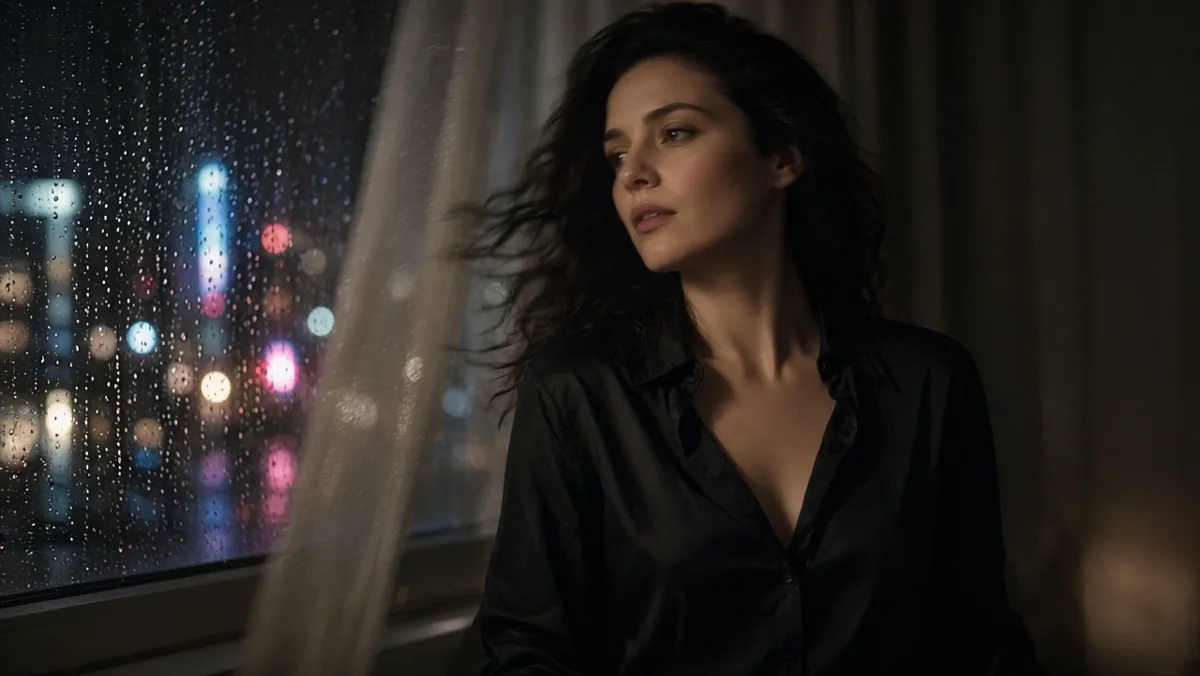
Adult AI video prompts work when they read like a short shot list: who is already in the frame, what one part of the body does, and how the camera moves once. That is the companion craft to locking a still first. The still owns the face; the motion prompt owns the few seconds that follow.
Adults only. Consenting adults. No minors, no ambiguous age, no illegal content.
Still craft vs motion craft
A realistic adult still prompt names people, place, light, and lens. A motion prompt should not rewrite that novel. If you already have a keeper frame, say what changes in time:
> She turns toward the window; camera holds waist-up; soft daylight stays put
Not:
> ultra cinematic sexy masterpiece, dynamic motion, perfect anatomy, NSFW uncensored 8k
The second string does not describe a shot. It also fights image-to-video models that already see the still.
Workflow for the still→clip path: Turn a still into short AI video. Medium choice: Image vs video vs lip sync.
One action, one camera move
Write the body first, then the camera:
- Body: turns her head, stands from the chair, reaches for the robe belt, leans into a kiss
- Camera: holds, slow push-in, slight pan with her, stays locked on the face
One of each is enough for a first clip. If the face drifts, shorten both before you add adjectives. Identity lock habits: Keep the same face across adult AI stills.
Be as direct about clothing or intimacy as you would in a still. "Open robe, seated" beats a pile of synonyms. Prefer chili-marked video rows when the brief is adult; stuffing "uncensored" into the text does not unlock a censored model. Catalog map: Best uncensored AI models on Lumyn.
Text-to-video when the motion is the idea
Skip the locked still when the idea is the motion, not a specific person. Then the prompt has to carry identity and setting again — still keep motion to one clear beat so you can tell what failed.
Draft short. Long generates cost more and hide the break. Check the coin price on the model before you run; wallet habits: How Lumyn coins and pricing work.
After a silent clip
If spoken lines are next, build voice and lip sync on a face you already like rather than asking a general video model to invent dialogue. Path: Voice + lip sync: make a face match the audio.
Browse finished looks on Explore, then run the motion model in Studio on app.lumynvideo.com.
Related
FAQ
- How is a video prompt different from a still prompt?
- A still prompt freezes people, place, light, and camera. A video prompt adds what moves. Keep identity short if you already locked a still; spend the words on motion and camera.
- How many motions should I ask for in one clip?
- One body action and one camera move for a first pass. Stacking turns, zooms, and wardrobe changes in the same run makes failures hard to debug.
- Should I repeat the whole still prompt in the motion field?
- Usually no. If the start frame already holds the face and room, name the motion and leave the rest alone. Restate identity only when you are on text-to-video without a keeper still.
- Same adult-only rules as stills?
- Yes. Consenting adults only. No minors, no ambiguous age, no illegal content.