
Image vs video vs lip sync: which Lumyn tool when
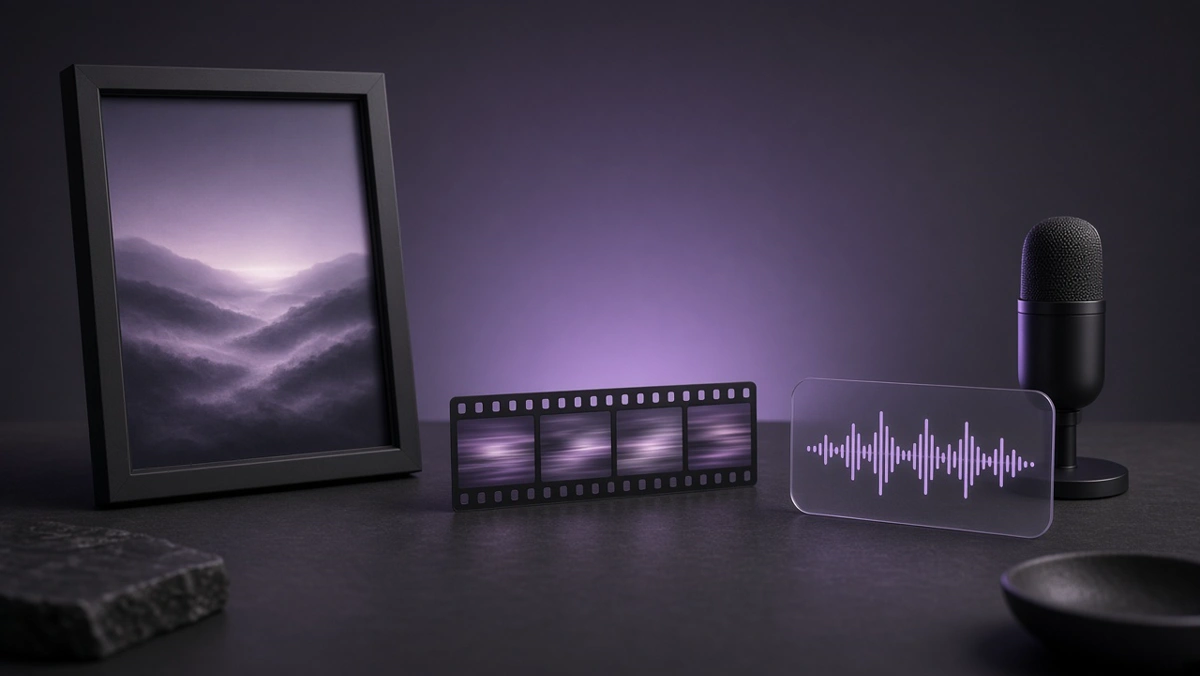
Use an image model when you need a single frame, a video model when motion is part of the idea, and lip sync when a face has to match a voice. Start with the cheapest medium that answers the brief, then promote a winner into a heavier tool.
Image: lock the look
Still images are the right first stop for character design, adult or SFW portraits, product frames, thumbnails, and anything you will reuse as a reference.
You get faster iteration and a lower coin cost per try. Once a face, outfit, or room looks right, you can feed that frame into video or lip sync instead of gambling on a brand-new generation.
Image edit models sit in the same studio family when you already have a photo and need a change rather than a blank-canvas render. Adult wardrobe / scene how-to: Edit an adult AI still.
Video: when motion is the point
Pick video when the brief needs camera move, body motion, or a short clip you would actually post as motion media. A still that only "implies" movement is often enough for a thumbnail; a clip is for when the motion itself sells the idea.
Keep clips short while you learn a model. Long generates cost more and make it harder to spot what went wrong. If the character drifts between shots, go back to a better still rather than stacking more motion prompts on a weak base.
Adult motion clips follow the same adult-only rule as stills: consenting adults, no minors, no illegal content.
Lip sync: face meets voice
Lip sync is a narrow tool. You bring a face (or a talking-head frame) and audio, and the model matches mouth motion to the track. Use it for dialogue, ASMR-style talking clips, avatar lines, and any piece where speech is the payload.
Skip lip sync when you only need ambient motion or a silent loop. A general video model is cheaper mental overhead for that, and you will not spend time wrestling audio sync you do not need.
Lumyn also has speech and voice tools in the wider catalog. Generate or clone voice first when the words matter, then run lip sync on a face you already like.
A simple decision tree
1. Need one frame or a reusable reference? Image. 2. Need the picture to move, without caring about spoken words? Video. 3. Need a mouth to follow a voice? Lip sync. 4. Unsure? Make the still. Promote only the keepers.
Coins pay for every model on Lumyn from one balance. Plans renew an allowance; packs top up when you need more. Prices show on the model before you run it, so the choice above is also a budget choice. Wallet details: How Lumyn coins and pricing work.
When you want to see finished work before you spend, browse Explore at app.lumynvideo.com, then open the matching studio from Models or the studio nav. How the gallery and /t/ templates fit together: Explore templates on Lumyn. Still→clip how-to: Turn a still into short AI video. Speech path: Voice + lip sync: make a face match the audio.
Related
FAQ
- Should I generate video from a text prompt first?
- Only if the motion is the idea. For character consistency, lock a still first, then animate or lip sync from that frame.
- What is lip sync for?
- Matching a voice track to a face so the mouth moves with the audio. It is the right tool when speech is the point, not when you only need a silent clip.
- Do all of these use the same coins?
- Yes. Models bill from the same balance. Each model shows its price before you run it, so you can compare a still, a short clip, and a lip sync job before you spend.
- Where do I see examples before I pay?
- Explore and the Models catalog on app.lumynvideo.com show what each medium looks like. Open a model into Studio when you are ready to run one.