
How uncensored AI image models differ from censored ones
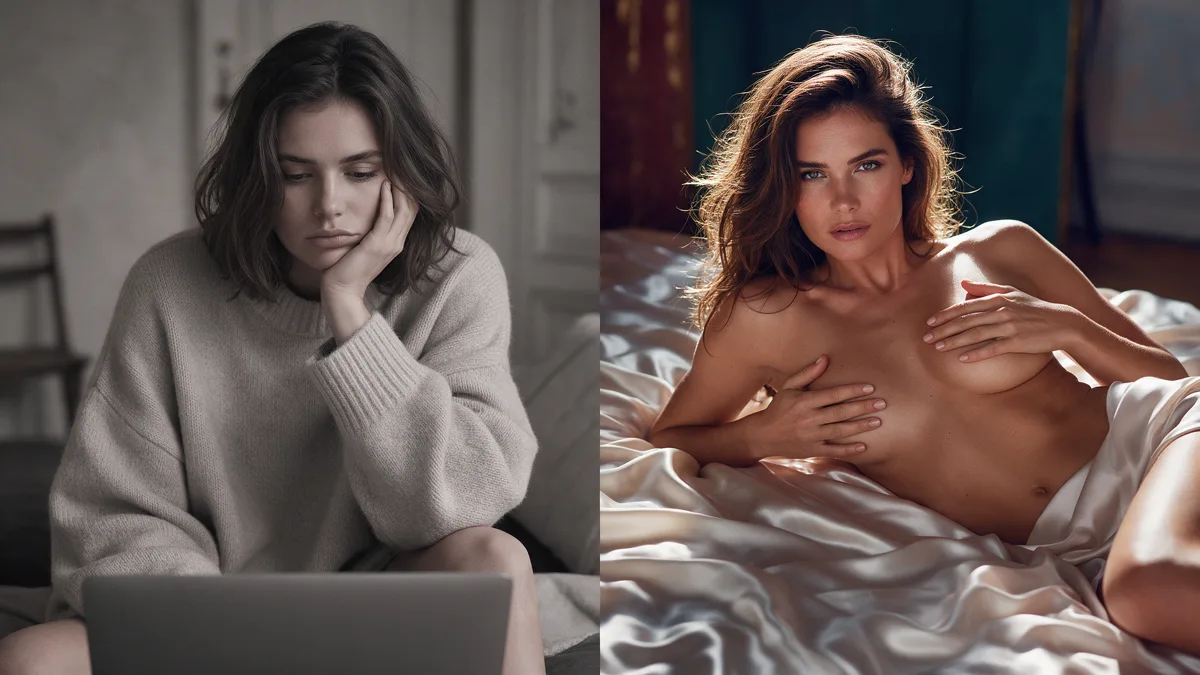
Censored AI image tools refuse or rewrite adult prompts. Uncensored models take the same request and try to render it, as long as the subjects are clearly adults. That is the practical difference: fewer soft refusals, more direct control over clothing, pose, and intimacy.
What "censored" usually means in practice
Most mainstream image generators sit behind safety filters. Ask for a nude figure, erotic lighting, or a sexual scene between adults, and you often get one of three outcomes: a blunt refusal, a clothed substitute, or a muddy blur that kills the composition.
Those filters exist for ad networks, app stores, and brand guidelines. They are not a judgment of your taste. They do mean the product is built for a different default audience than people who want adult stills on demand.
What uncensored models change
An uncensored (or lightly filtered) model still has limits. Illegal content stays off-limits. Age must be adult. Beyond that, the model is more willing to follow a prompt that names body type, wardrobe (or lack of it), camera distance, and mood.
You still write a clear prompt. You still pick a model that matches the look you want (photoreal, stylized, anime-adjacent, and so on). The shift is that the pipeline does not treat adult subject matter as an automatic hard stop.
On Lumyn, image models live in the studio next to edit, video, and lip sync tools, and each one shows its coin price before you run it. That makes it easier to try two models on the same prompt without guessing what a render will cost.
When a censored tool is still the better pick
Use a censored tool when you need work that must pass a school, corporate, or family-safe review. Product mockups, kid-facing apps, and paid social creatives for mainstream brands usually belong there.
Use an uncensored model when the brief is adult erotica, tasteful nudes, or hot fashion that mainstream filters keep rejecting. Keep subjects clearly adult in every prompt and reference photo.
A short workflow that wastes fewer coins
1. Write the scene in plain language first: who, where, lighting, camera, what they wear. 2. Add one style cue (film still, studio softbox, handheld snapshot), not five. 3. Run a cheap draft model if one exists in the catalog, then move to a sharper model once the composition works. 4. If you need a video or a talking face later, start from a still you already like rather than regenerating from scratch.
Browse Explore on app.lumynvideo.com for examples of what the catalog can do, then open a model from the Models page into Studio when you want to try the same look yourself. For which rows carry the chili today, see Best uncensored AI models on Lumyn. When a still is ready to move, Turn a still into short AI video.
Related
FAQ
- Is every uncensored model the same?
- No. Providers differ on how far they go, how they treat reference photos, and how they price a run. Check the model card before you spend coins.
- Will SafeSearch hide this kind of content?
- Often yes. Explicit pages and results get filtered when SafeSearch is on. Expect discovery from people looking past that filter, and from direct links.
- Does Lumyn allow any adult prompt?
- Adult content involving consenting adults is fine. Anything involving minors, or content that is illegal, is not. If a prompt is ambiguous about age, rewrite it.