
Adult AI still-to-video pipeline for one character
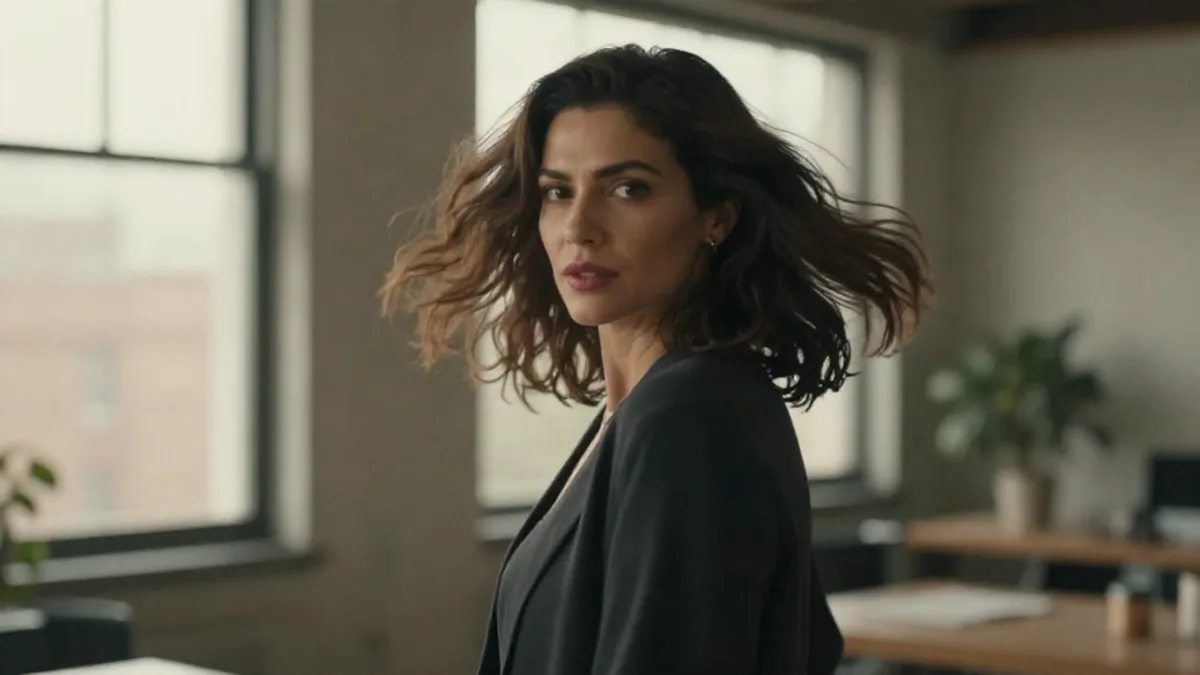
The adult AI still-to-video pipeline on Lumyn is one character, one locked look, then short motion: generate or edit a still of a consenting adult, decide whether a small edit beats a full re-roll, then run image-to-video with one clear action. That path wastes fewer coins than gambling on a long text-to-video take and hoping the face lands.
Adults only. Do not generate or request anything involving minors.
The end-to-end order
1. Still. Write a photo-brief prompt (or start from Explore). Lock a frame where face, age, and wardrobe are already right. Craft: Prompt tips for realistic adult AI stills. 2. Optional edit. Wardrobe, light, or crop change on a keeper still. Skip regenerate when the face is already good. How-to: Edit an adult AI still. 3. Short video. Image-to-video from that frame. One body action, one camera move. Clip how-to: Turn a still into short AI video. Motion words: Adult AI video prompts that stay readable. 4. Optional speech. If the next step is dialogue, clone or generate voice, then lip sync a strong still (or chosen frame). See AI voice clone for lip sync and Voice + lip sync.
Same face across many stills before you animate: Keep the same face across adult AI stills.
When to lock the ref
Lock as soon as you would be annoyed to lose the face. A soft draft is not a ref. If age reads ambiguous, drop it and re-prompt with a clear adult age or role.
Edit before video when the change is small (robe open vs closed, warmer light). Regenerate when the composition or identity is wrong. Animating a bad still just makes expensive drift.
Length and face drift
Keep the first clip short while you learn the model. Long generates cost more and bury the failure mode.
If the face drifts:
1. Re-check the base still (sharp face, clear adult subject). 2. Shorten the motion prompt to one action + one camera move. 3. Soften ambitious pans or zooms. 4. If identity still slips, improve the still or reference workflow before another video spend.
Models and budget
Prefer chili-marked still, edit, and motion rows when the brief is adult. Catalog map: Best uncensored AI models on Lumyn and When to use spicy AI models. Live prices: Models. Wallet: How Lumyn coins and pricing work.
Browse finished looks on Explore at app.lumynvideo.com, then run the pipeline in Studio.
Related
FAQ
- When should I lock the reference still?
- As soon as you have a keeper frame of the adult character you want. Do not animate a draft face you plan to replace. Edit wardrobe or light on the still first if needed, then run image-to-video.
- How long should the first clip be?
- Keep early clips short. Long generates cost more and hide what went wrong. Draft short; extend only keepers.
- Why does the face drift between still and video?
- Usually a weak base frame, an ambitious camera move, or a motion prompt that fights the still. Fix the still or shorten the motion before re-rolling a long take.
- Do I need a chili model for this pipeline?
- For adult subject matter, yes. Prefer chili-marked still, edit, and motion rows on Models so the prompt is not softened mid-pipeline.