
When to use spicy AI models on Lumyn
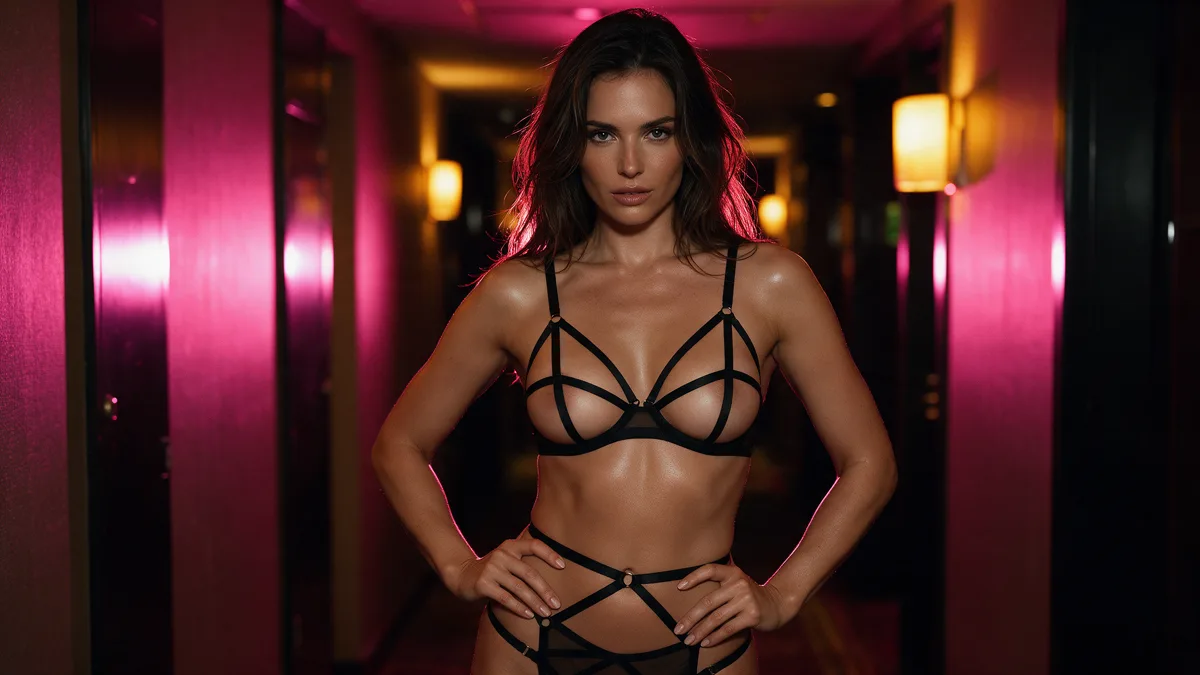
Use spicy AI models on Lumyn when the brief is adult and you do not want soft refusals or watered-down wardrobe. Those rows carry a chili on Models and in Studio. Everything else in the catalog can still be useful for SFW work; it is the wrong default when lingerie, nudity, or explicit posing keeps getting scrubbed.
Adults only. Same hard stop as the rest of this blog: no minors, no ambiguous age, no illegal content. The chili is about refusal pressure, not a free pass.
Spicy vs standard in one sentence
Chili = allowlisted for spicy / adult output (Seedream 5.0 Pro + Lumyn house image, edit, and motion families). No chili = do not assume adult output will stick.
Category background: How uncensored AI image models differ from censored ones. Full family map: Best uncensored AI models on Lumyn.
When to reach for chili rows
- Adult stills with lingerie, nudity, or explicit pose
- Wardrobe or scene edits on an adult keeper still
- Adult image-to-video or text-to-video motion
- Any pipeline where a mid-run soften would break the brief
Examples of chili-marked families (display names in the app):
- Seedream 5.0 Pro / Seedream 5.0 Pro Edit
- Lumyn house image and edit lines (2.5, 2.6, including 2.6 Edit)
- Lumyn Motion / Video (2.5–2.6, including Flash)
Draft cheap on a lower chili tier when you can; promote keepers. Live coin prices sit on the card and again in Studio. Wallet: How Lumyn coins and pricing work.
When a standard model is enough
Skip chili when the job is SFW: brand-safe portraits, non-adult fashion, product frames, generic backgrounds. You still pick by medium (still vs video vs lip sync) the same way: Image vs video vs lip sync.
Do not put "NSFW" or "uncensored" in every prompt hoping to unlock a no-chili row. Those words do not describe a scene and do not flip the allowlist. Prompt craft for adult stills: Prompt tips for realistic adult AI stills. Style spin: Boudoir soft-light adult AI prompt formulas.
A short picking habit
1. Open Models for the medium you need. 2. If the brief is adult, prefer a chili row. 3. Read the price. Draft short; promote keepers. 4. Still before video when identity matters (Adult AI still-to-video pipeline).
The allowlist can grow when new rows ship. If a name is missing here but shows a chili in the app, trust the app.
Browse Explore at app.lumynvideo.com, then run chili models from Studio.
Related
FAQ
- What does the chili mean?
- The chili next to a model name on Models and in Studio marks a row that supports spicy or adult output. It is not a free pass for illegal content.
- Which families are on the spicy list today?
- Seedream 5.0 Pro and its Edit twin, plus the Lumyn house image, edit, and motion/video lines for 2.5 and 2.6 (including Flash). Newer house rows (2.7 / 3.0) and other Seedream versions without a chili are not on that list.
- When should I stick to a standard (no-chili) model?
- SFW portraits, product frames, non-adult fashion, and anything that does not need adult wardrobe or nudity. Chili rows cost the same decision as any other model: check the price and pick the medium you need.
- Does putting NSFW in the prompt unlock a censored model?
- No. Describe the scene and pick a chili model when the brief is adult. Prompt stuffing will not flip a non-allowlist row.
- Where do I see the live list and prices?
- On Models and in Studio. Trust the chili in the UI if a new row ships after this post.