
AI voice clone for lip sync on Lumyn
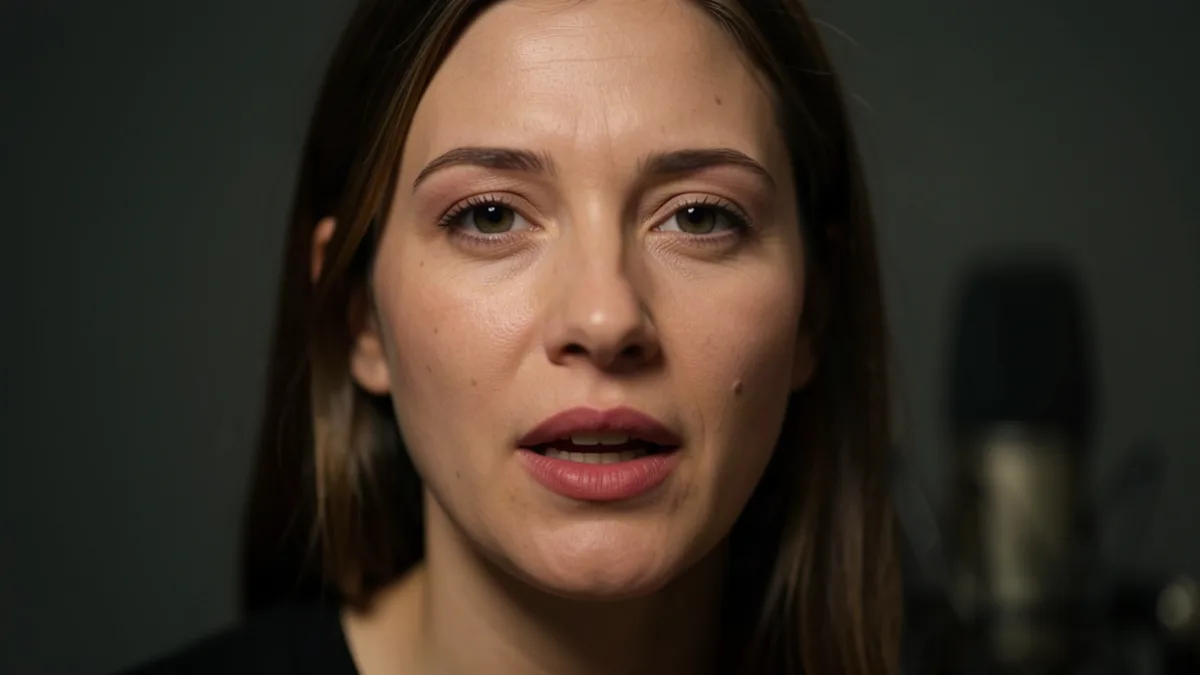
AI voice clone for lip sync on Lumyn is a two-step product path: get a spoken take you trust, then make a face mouth it. Voice models handle speech; lip sync models match mouth motion to that track. Neither invents the other.
This post is the voice-first half of the talking-head workflow. For the face + audio finish, see Voice + lip sync: make a face match the audio. Medium picker: Image vs video vs lip sync.
Order of operations that wastes fewer coins
1. Write the line (or short paragraph) you want spoken. 2. Generate or clone voice until the take is a keeper. 3. Lock a face still that already looks right (adult-clear if the brief is adult). 4. Run lip sync with that still and the audio. 5. Read both coin prices before you spend.
Starting from a still keeps identity steadier than asking a general video model to invent a talker from text. If you only need ambient motion with no speech, skip this path and use Turn a still into short AI video.
What voice clone is for
Use voice when the words are the payload: dialogue, ASMR-style talking clips, character lines, avatar intros. Clone when you need a consistent speaker across takes; generate when you only need one clean read.
Do not treat voice clone as a shortcut to silent fashion turns or soft motion loops. Those belong on image-to-video. Lip sync adds setup for mouth accuracy you will not use on a mute clip.
Coins and product fit
Voice and lip sync each show a price; both draw from the same wallet as stills and video. Draft voice until the take is good, then spend on lip sync once. Wallet habits: How Lumyn coins and pricing work.
Adult dialogue is fine when subjects are clearly adults. Keep the face reference adult-clear. Brand overview: What Lumyn is.
Browse speech and lip sync rows on Models, or start from finished looks on Explore at app.lumynvideo.com, then open the matching models into Studio.
Related
FAQ
- Do I clone the voice before or after picking a face?
- Clone or generate the voice first when the words matter. Lock a face still you already like, then run lip sync with that frame and the finished audio.
- Are voice and lip sync the same coin charge?
- No. Each model bills its own price from the same balance. Check both prices in Studio before you run the pair.
- Is adult dialogue allowed?
- Yes, when subjects are clearly consenting adults. Same bans as the rest of Lumyn: no minors, no ambiguous age, no illegal content.
- When should I skip voice clone entirely?
- When you already have a clean take you like, or when the clip is silent. Lip sync needs audio; silent motion belongs on image-to-video.